How-to's of JMD handy baby 2 plus JMD OBD add MQB key
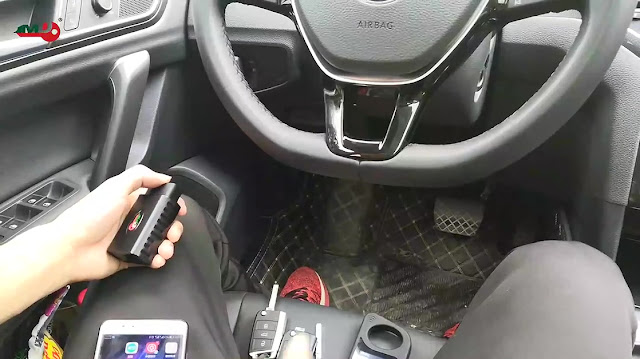
Show you how to use JMD handy baby 2 plus JMD OBD to add MQB key on one Golf 7. Prepare: JMD handy baby 2 JMD OBD One original Golf 7 key (Insert it into the ignition and turn on, then you will find it is working) One new key (not work) Procedure: 1. Insert the original key into the ignition and turn on. 2. Plug the JMD OBD into the obd2 diagnostic sort of the Golf 7. 3. Use your mobile phone to find out the JMD APP to download, there is an MQB option. turn on Bluetooth and connected to Handy Baby 2 machine. 4. Tap "Read the Anti-theft data". It will take about 3-5 minutes to read the data, the dashboard will turn on and off during reading the data. When the dashboard is off and we need to wait until it turns on again. 5. Ok, succeed, the file we need to save and we can change the name we want. 6. Save the file and we generate the key. This function needs to connect the Handy Baby II. Please connect the Handy Baby II with OTC cab...